
Which 3D File Formats Can SimplerCAD Import?
You do not always have to start a model from scratch. SimplerCAD can bring in STL, GLB, OBJ, and supported OBJ + MTL ZIP files, so you can inspect an existing model, make changes, and prepare it for the next step.
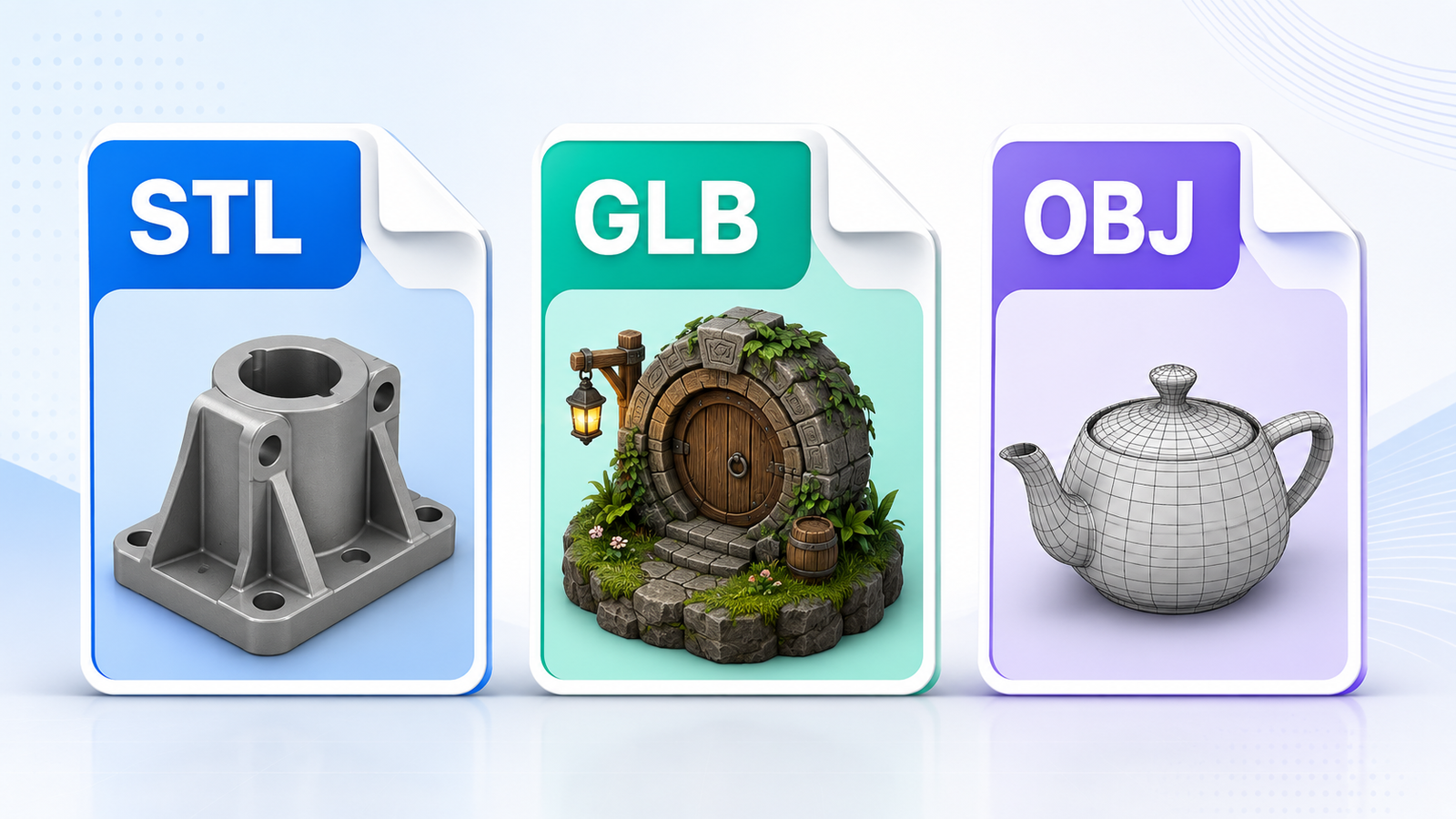
The formats you can bring in
STL — best when the shape is the priority
STL is the standard choice for many 3D-printing workflows. It carries the mesh shape, but it does not reliably preserve materials, textures, or colors. Use it when you mainly need the geometry.
GLB — best for a self-contained visual model
A GLB file can include geometry, materials, and color information in one file. It is usually the easiest option when you want a portable model that should retain its appearance as well as its shape.
OBJ — geometry with a separate material file
OBJ stores the shape. Its matching MTL file stores basic material information, including color values. Keep both files together if you want those colors to come across.
OBJ + MTL ZIP — useful for exports from Tinkercad
If an OBJ export arrives as a ZIP, leave the OBJ and its matching MTL file together inside the ZIP. That makes it easier to import the pair without losing the material relationship.
Which one should you choose?
For a print-ready object with no need for color, STL is usually enough. For a model that should keep its materials and colors, try GLB first. Use OBJ when it is the format you already have, but make sure the MTL file comes with it.
There is no single “best” format. The right choice depends on whether you need a clean mesh for printing, a colored model for presentation, or an editable starting point for a new design.
Before you import
- Keep related OBJ and MTL files together.
- Check that the model is not extremely detailed if you plan to edit it. Very dense display models can be slow to work with.
- After import, check the model’s scale and orientation before changing it.
- If the object is meant for printing, inspect the mesh and repair issues before export.
A note about colors and textures
GLB is the safest choice when appearance matters because it packages more of the visual information in one file. OBJ can preserve base material colors when the MTL file is present. STL is normally a shape-only format, so it is not the format to choose when you need the imported colors to stay with the model.
Quick questions
Can I import a Tinkercad ZIP?
Yes, when it contains a supported OBJ file and its matching MTL file.
Why did my imported model lose its colors?
The format may not carry them, or an OBJ may be missing its MTL file. Try GLB when color needs to travel with the model.
Why is the model too large or facing the wrong way?
Different programs use different units and axes. Check the imported model before editing, then resize or rotate it as needed.
Bring an existing model into SimplerCAD
Import the format you have, inspect the result, and make a focused change. That is often the quickest way to turn an old model into a useful starting point.