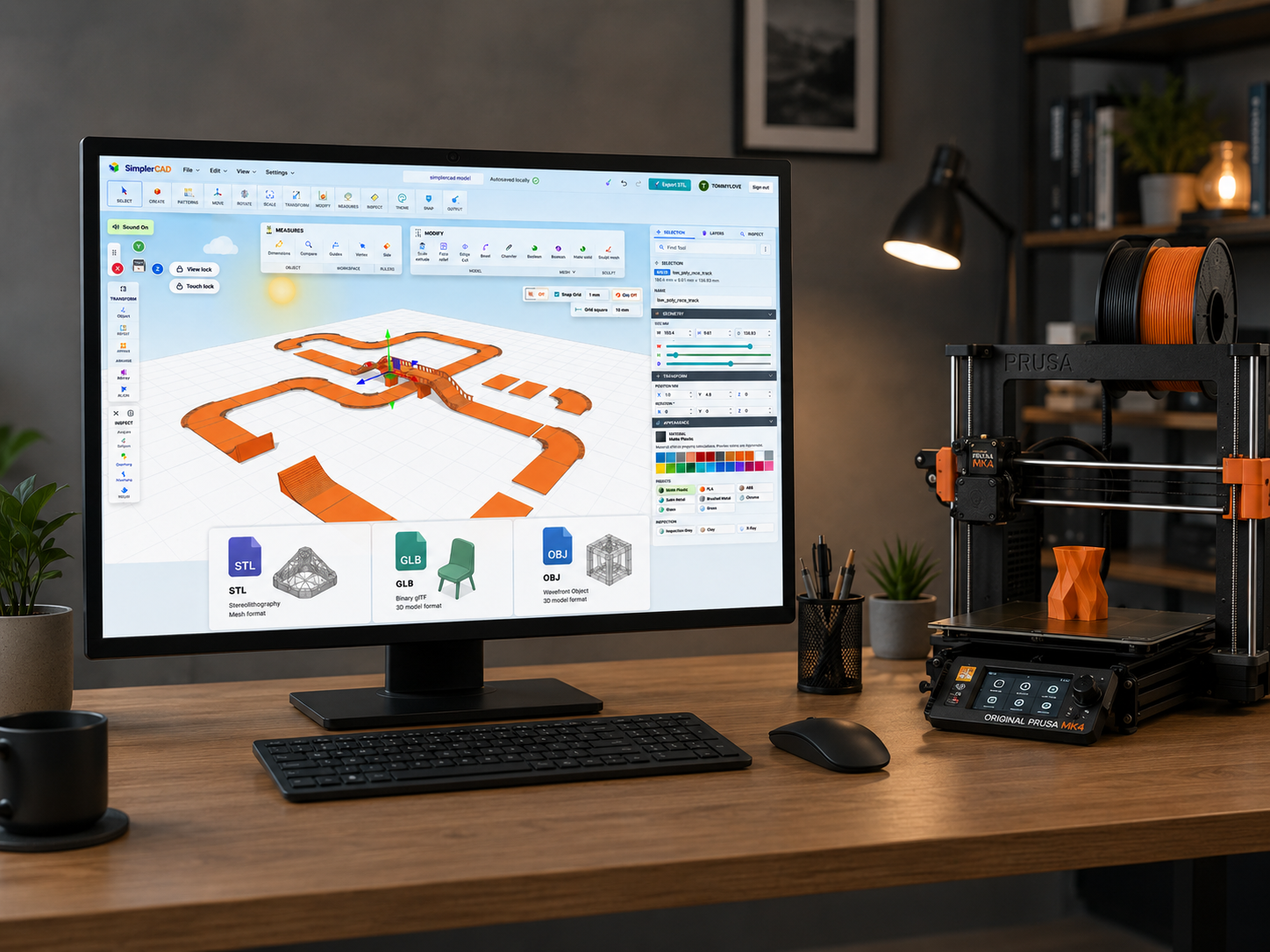
Browser-based 3D design for everyone

The Easiest Way to
Design 3D Models
in Your Browser

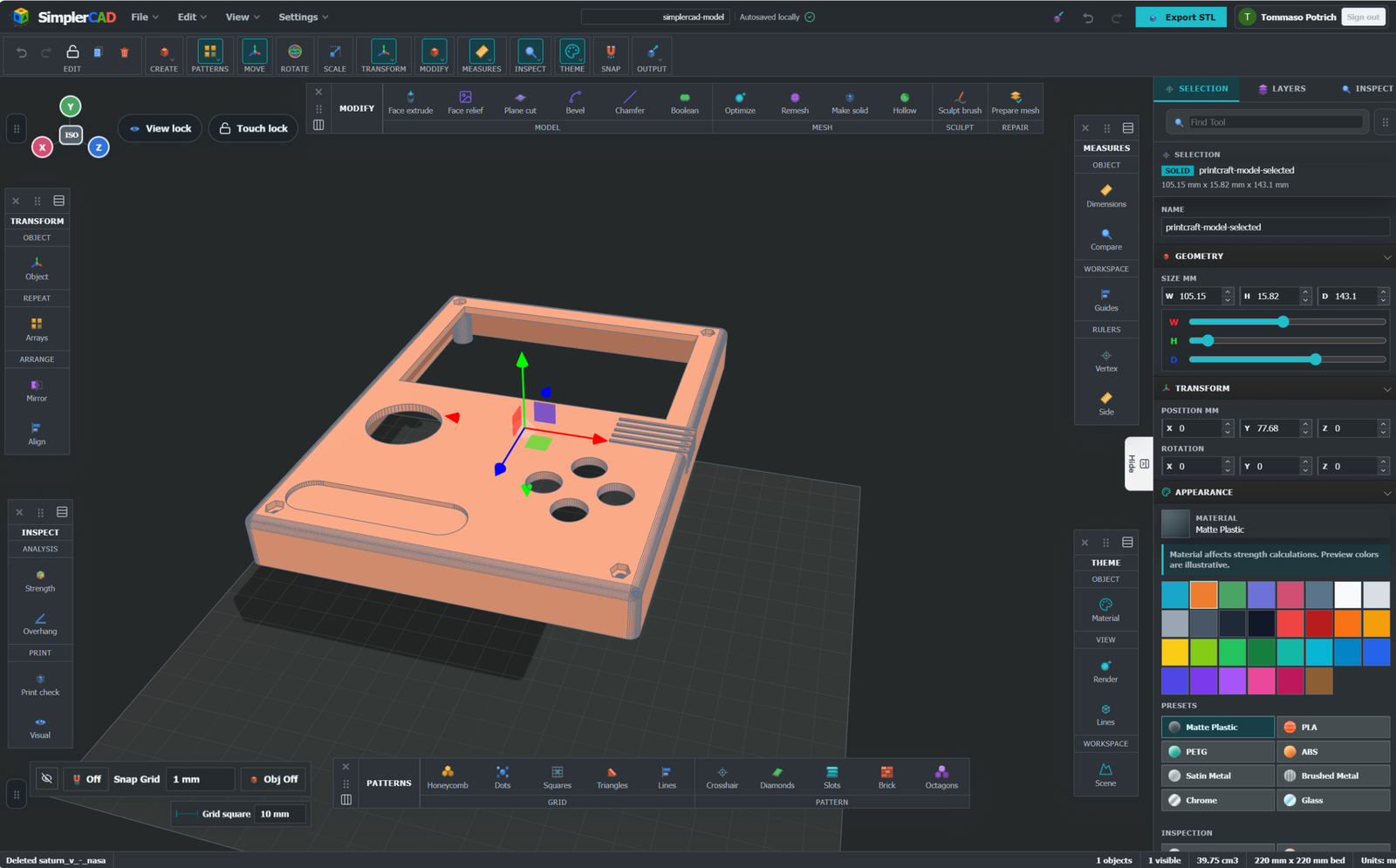
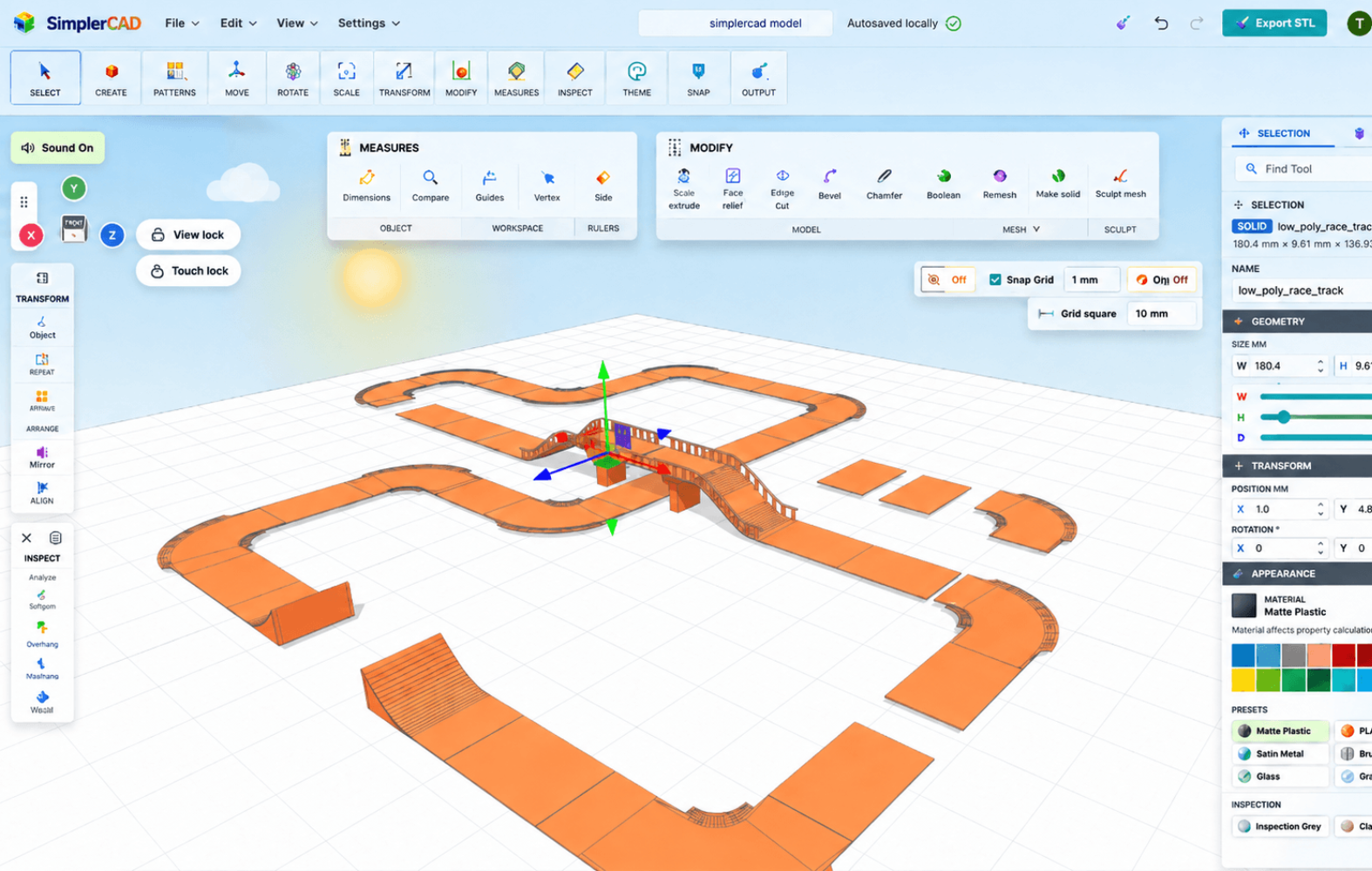
Create printable models, prototypes, classroom projects, and product concepts with a simple drag-and-drop CAD workspace that works anywhere.
No installation Runs on any device Free to start
Design 3D Models

Works in Your Browser

No installs or updates. Access your projects anywhere.

Drag-and-Drop Modeling

Combine, modify, and create with simple shapes.

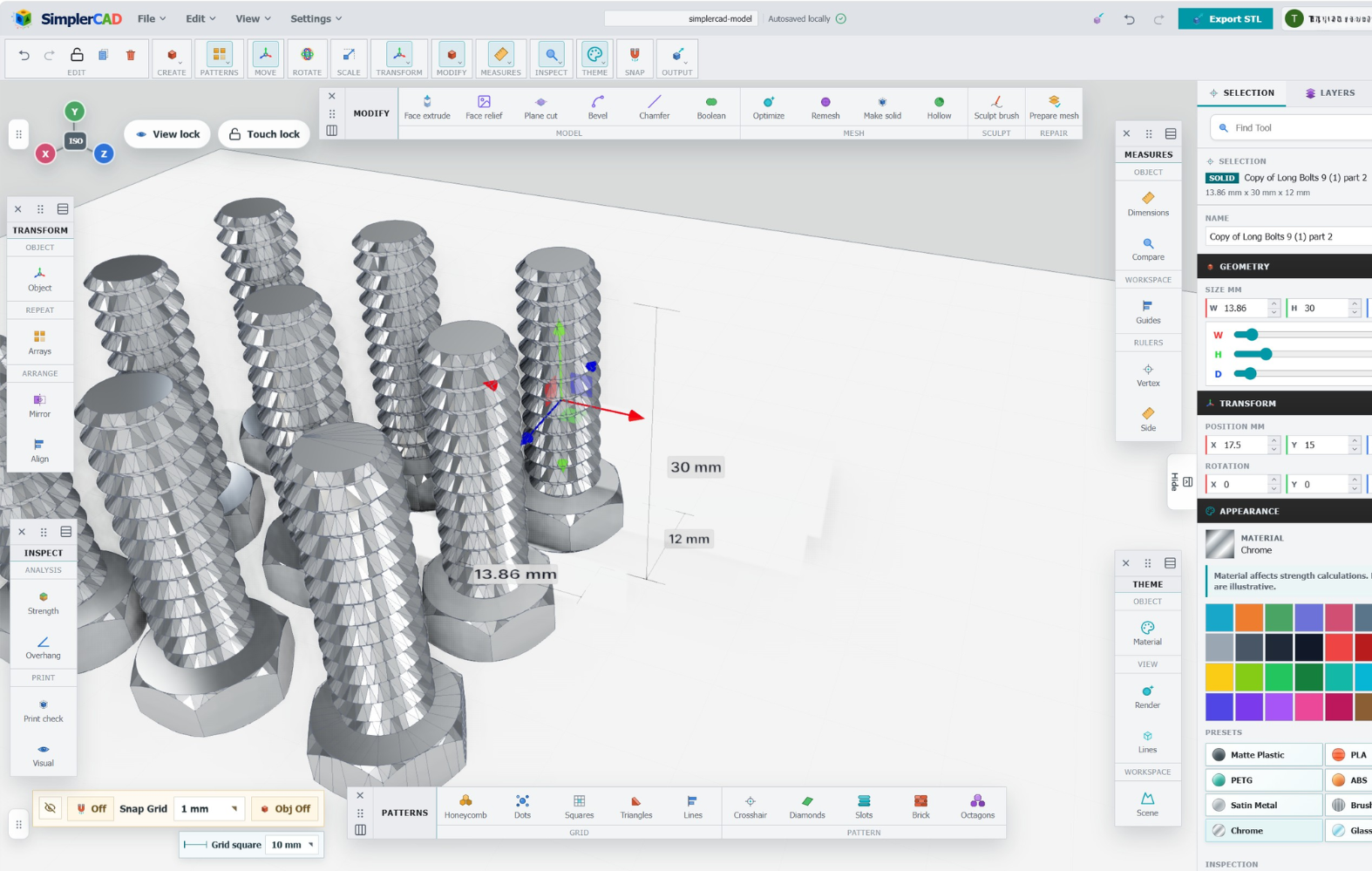
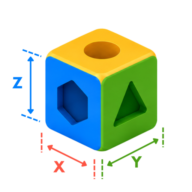
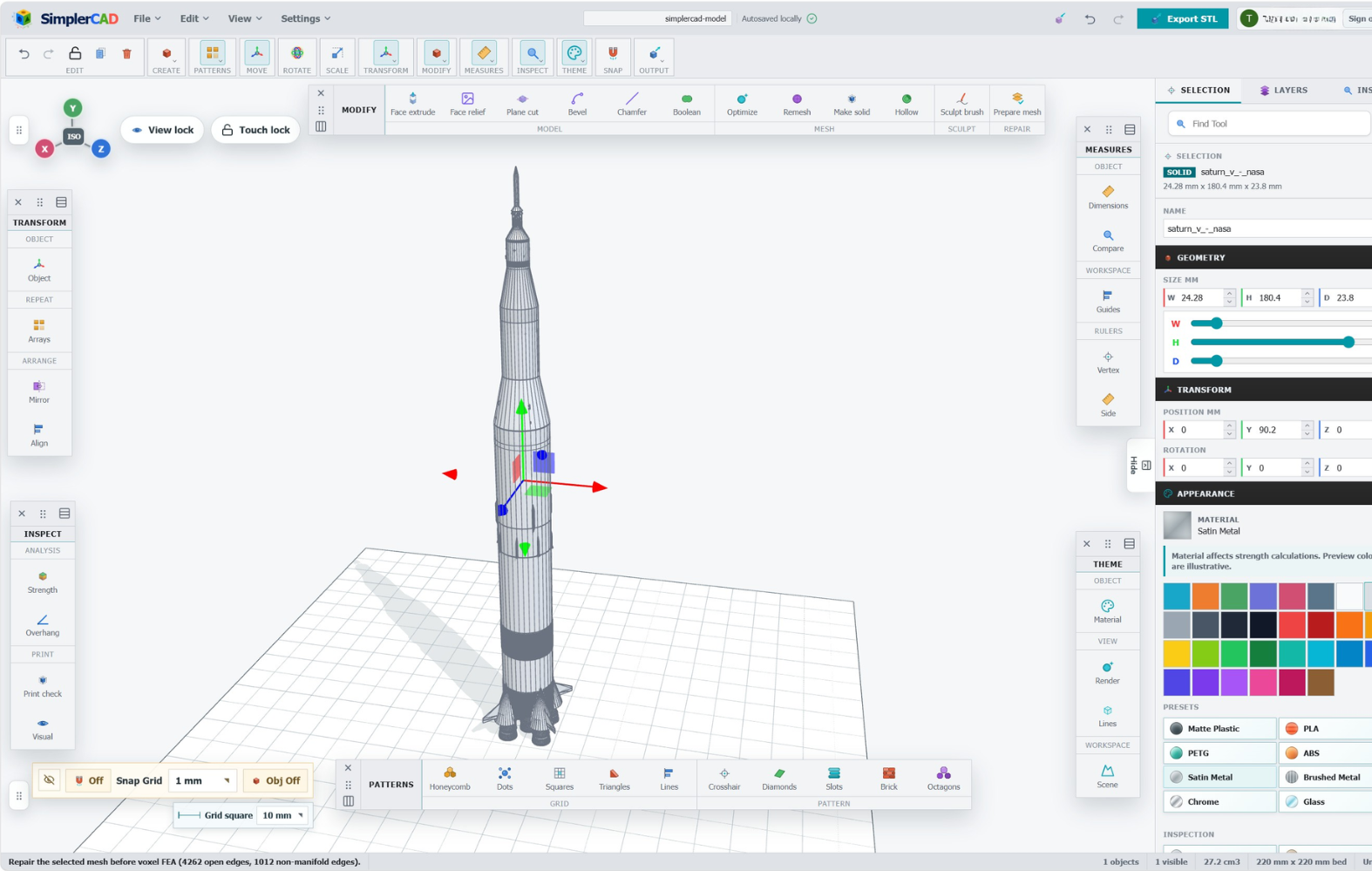
Accurate Measurements

Precision tools for perfect dimensions every time.

VR Inspection

View your designs at 1:1 scale before printing.

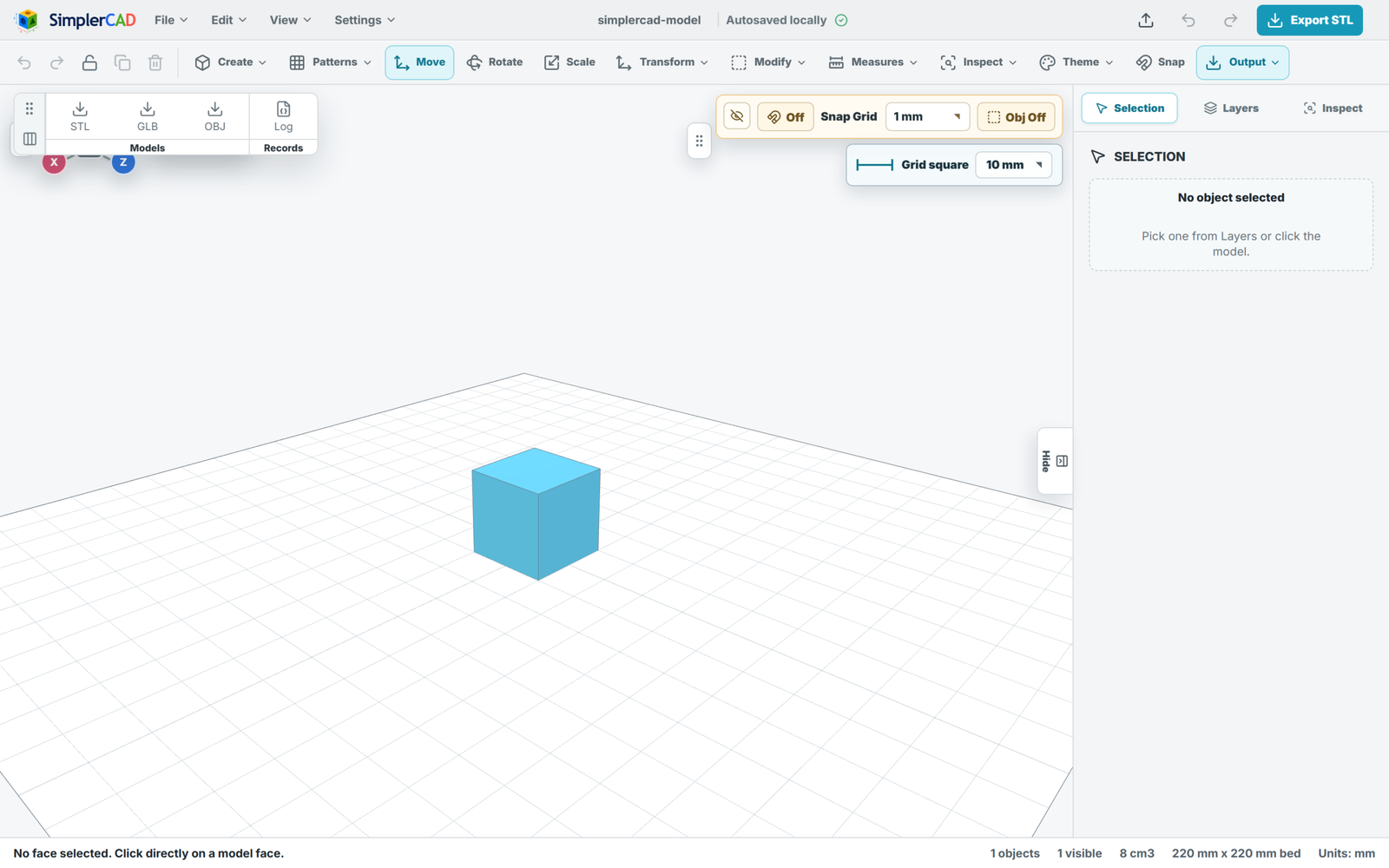
Export & Share

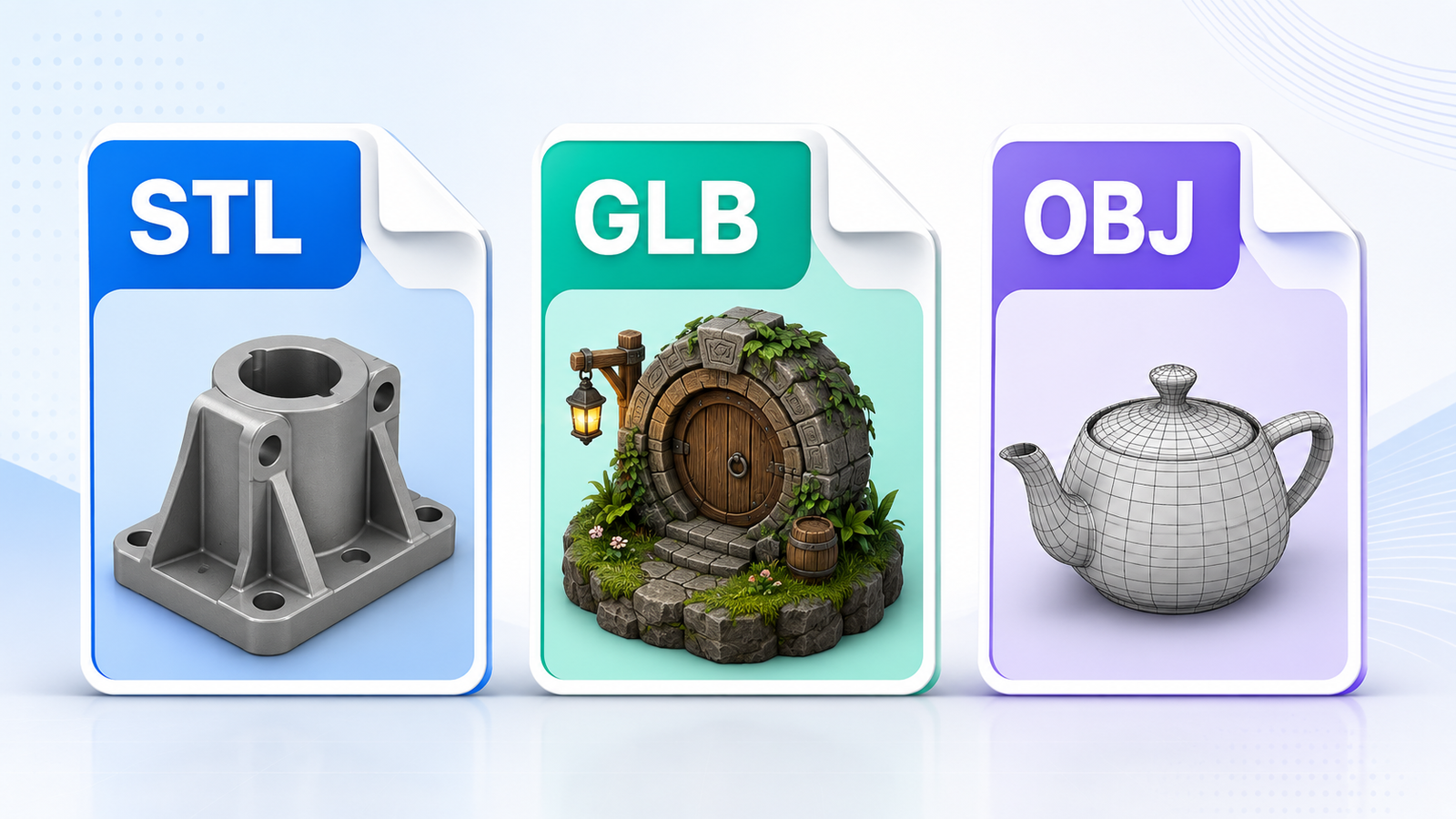
Export STL, OBJ, GLB, and share your ideas.

How It Works

1

Add Shapes

Choose from a library of basic shapes.

2

Design & Modify

Move, rotate, scale, and combine.

3

Refine & Measure

Use precision tools to get it just right.

4

Export & Make

Export your model and bring it to life.

Virtual Reality

Inspect at 1:1 Scale in VR

Step inside your design and see it from every angle. Perfect for fit checks, presentations, and confidence before you print.

🥽 Explore VR Experience
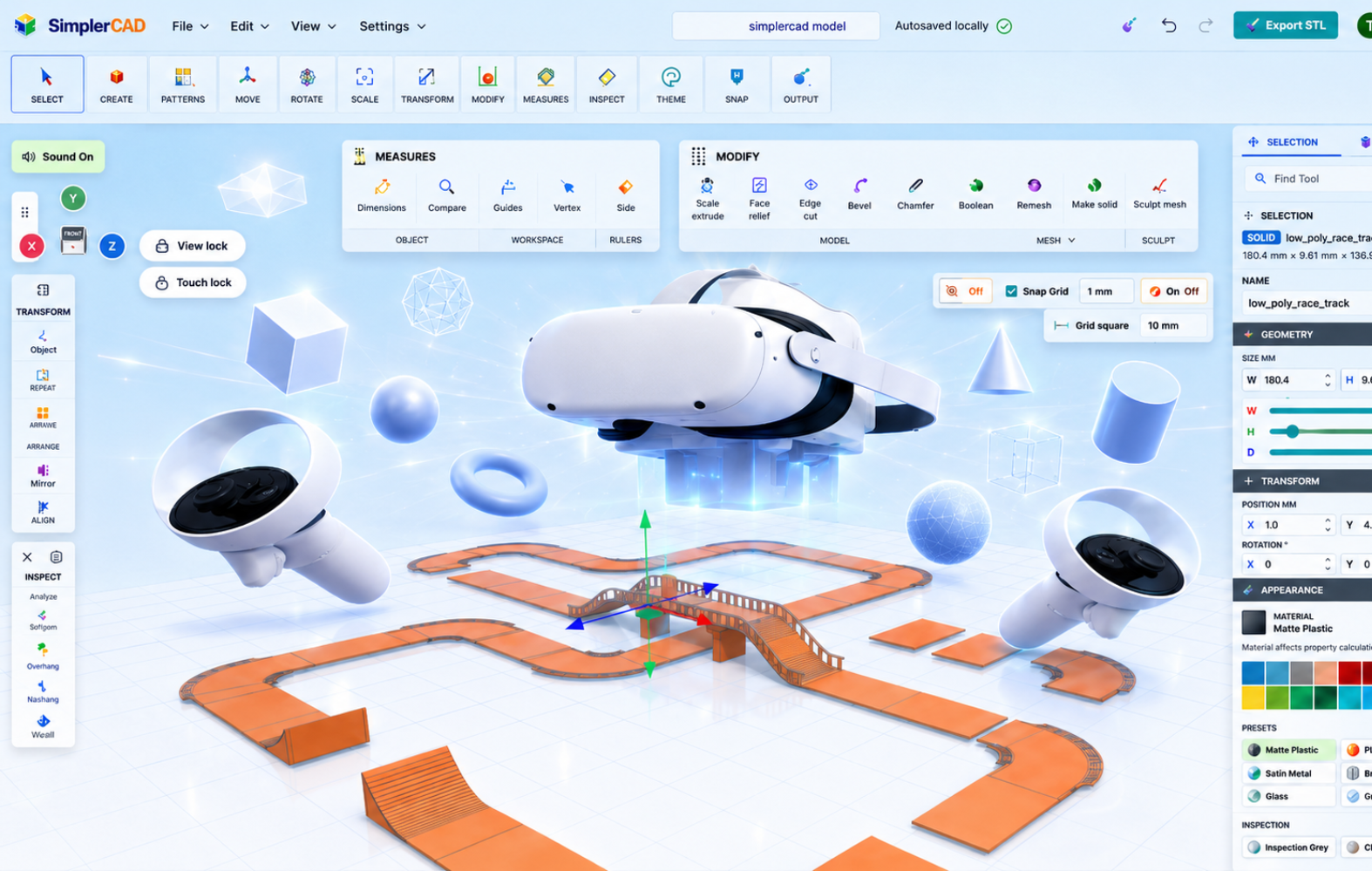
Inspect at 1:1 Scale in VR

Simple Pricing

Choose the plan that fits your needs.

Free

$0

Ideal for learning and personal projects.

  • Core modeling tools
  • Saved projects
  • STL export
  • Browser-based workspace
Start Free

Classroom

Contact us

For schools, teachers, STEM programs, and makerspaces.

  • Student management
  • Safe collaboration
  • Curriculum projects
  • Education support
Talk to Us

Explore SimplerCAD

Feature overviews and guides for using SimplerCAD.
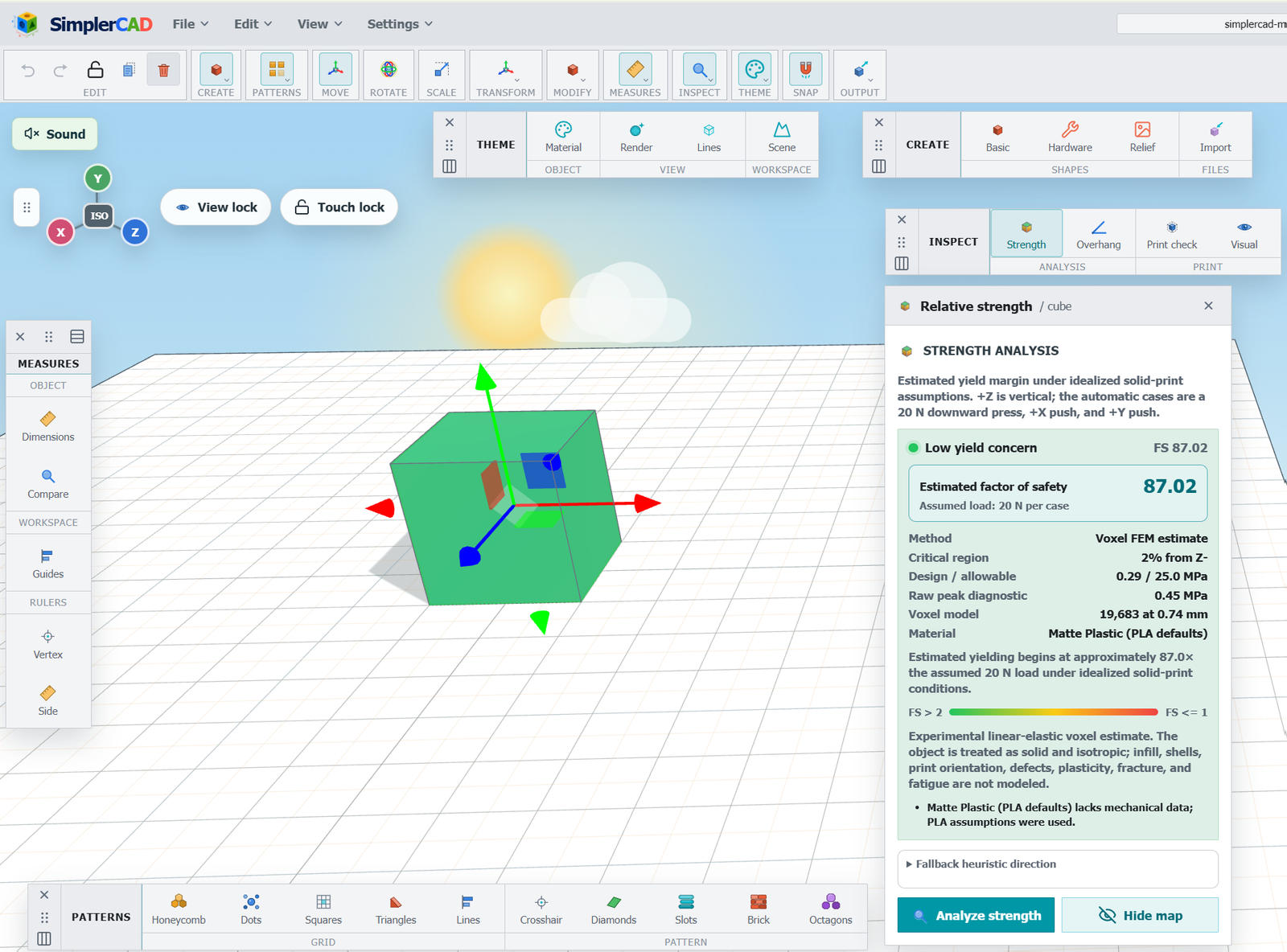
What Is a Strength Map in 3D Design?

Feature Overview

What Is a Strength Map in 3D Design?

A visual guide to help evaluate your model before printing.

May 15, 2026
Which 3D File Formats Can SimplerCAD Import?

Guide

Which 3D File Formats Can SimplerCAD Import?

Learn what STL, GLB, OBJ, and OBJ plus MTL ZIP files contain.

May 10, 2026
How SimplerCAD Works in Your Browser

Guide

How SimplerCAD Works in Your Browser

Understand the browser-based workspace, local recovery, and cloud saving.

May 5, 2026
Free to startNo installation required
Browser-basedOpen your workspace from a browser
Cloud projectsSave designs to your account
Your workflowCreate, import, inspect, and export