Everything you need to design in 3D
SimplerCAD brings modeling, importing, measuring, analysis, VR inspection, and cloud saving together in one browser-based workspace.
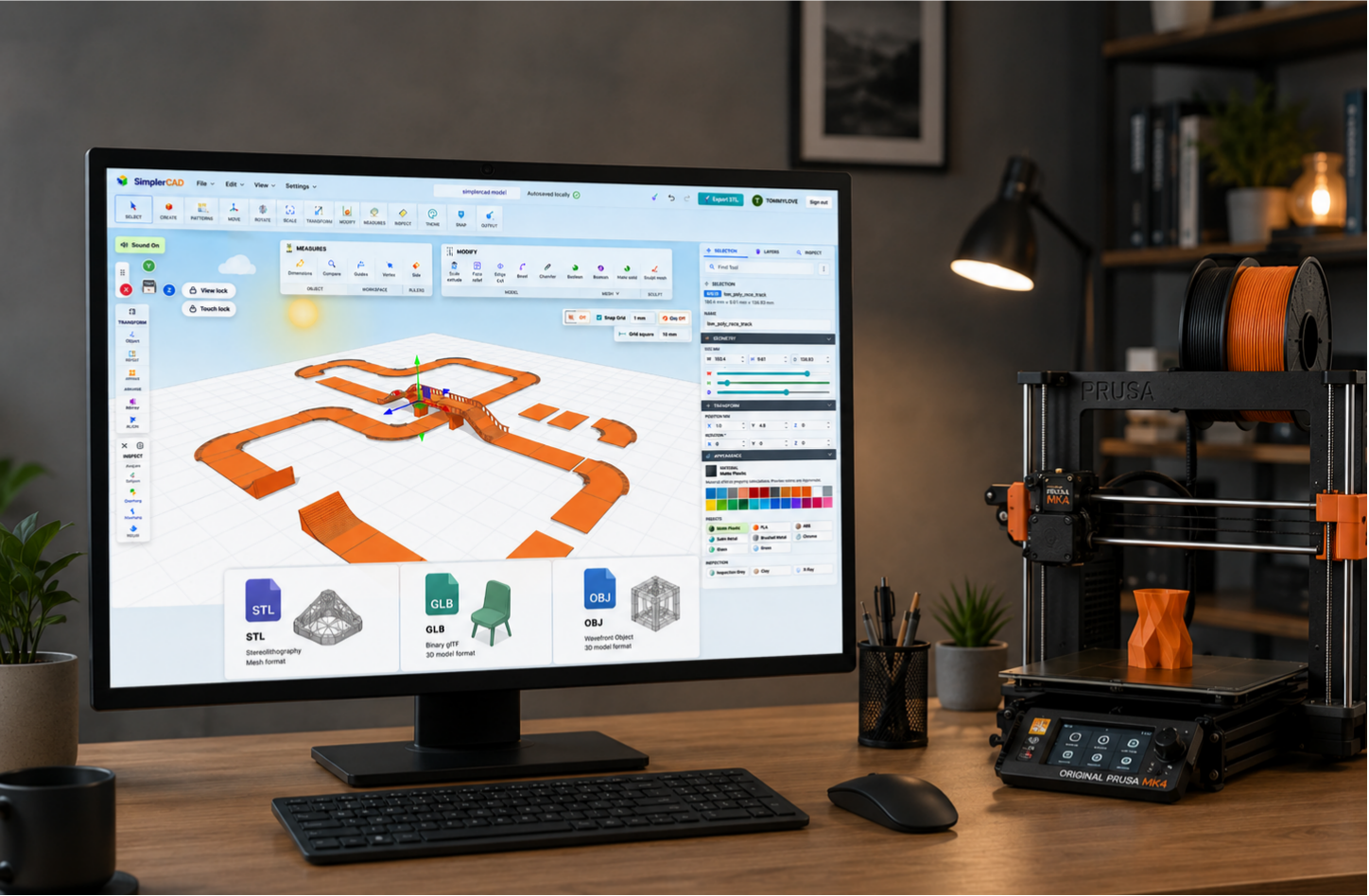
Create, inspect, and prepare models in one place
Whether you are starting a new idea, refining an existing part, or preparing a model for 3D printing, SimplerCAD gives you practical tools without the usual desktop-software setup.
Browser-based modeling
Create and edit 3D models directly in a supported web browser.
Precision editing
Move, rotate, scale, align, duplicate, and organize objects in your workspace.
Import existing files
Bring in STL, OBJ, GLB, and supported OBJ plus MTL ZIP files.
Export your work
Export models for 3D printing, sharing, visualization, and the next stage of your workflow.
Measure and inspect
Check dimensions, placement, scale, and orientation before you export or print.
Strength analysis
Use visual strength maps to review areas that may need reinforcement or redesign.
VR inspection
Inspect models at a one-to-one scale in an immersive VR workspace.
VR sculpting
Shape, refine, repair, and reset sculpt work in a VR design session.
Cloud workspace
Save projects to My Designs and open them again later when you are signed in.
Local recovery
Keep current work available locally in the browser while you are designing.
Guided tools
Use straightforward tools that make common design tasks quicker and easier to understand.
Learn as you build
Use guides and practical examples to build confidence as you work through a design.
From first sketch to finished model
Open the workspace, create or import a model, make changes, inspect the details, and export when you are ready. SimplerCAD keeps the essential steps together in one place.
Open SimplerCAD and start designing free