How SimplerCAD Works in Your Browser
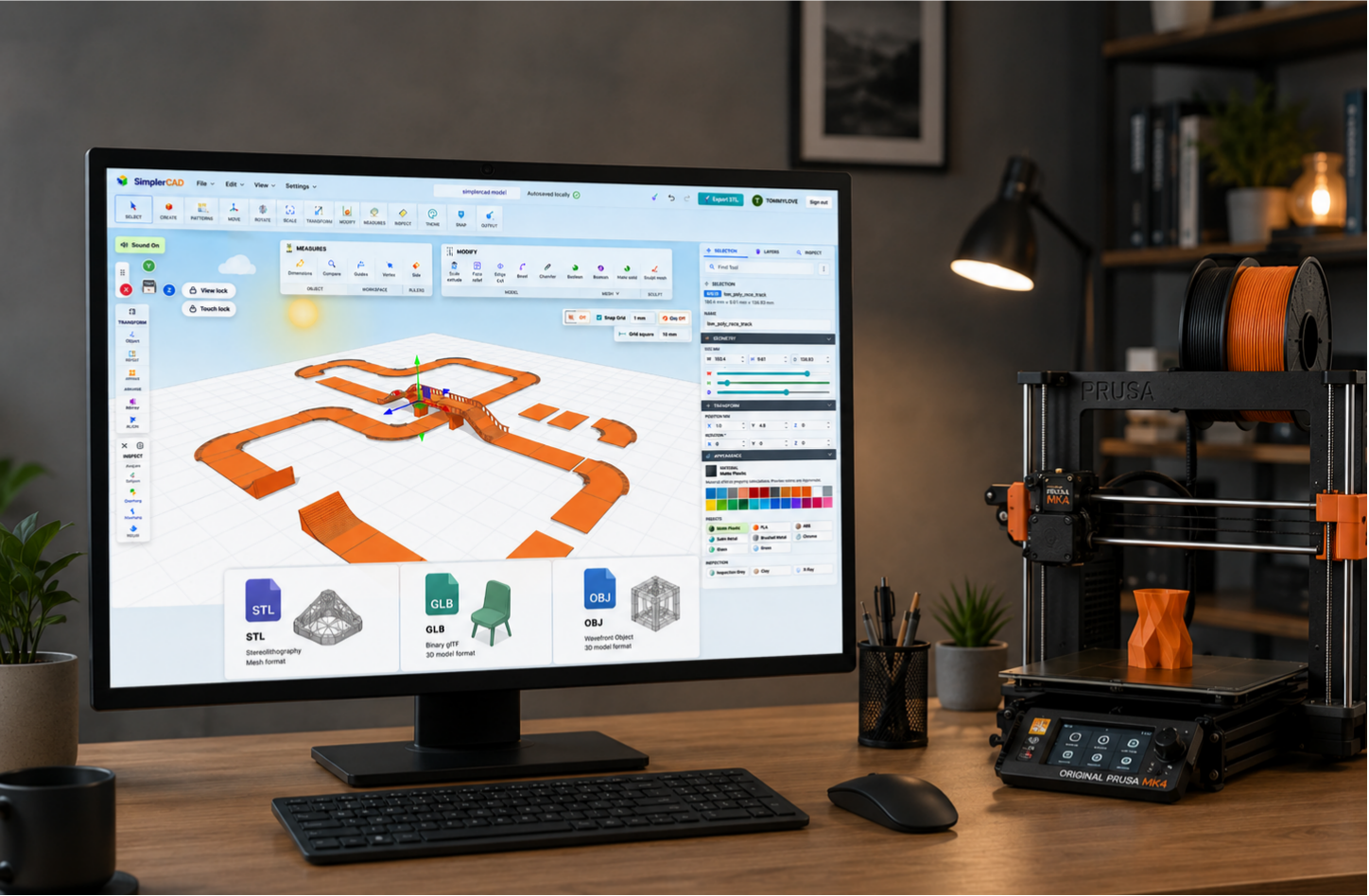
SimplerCAD opens in your web browser, so you can start a workspace without installing a separate desktop program first. You can make a new model, bring in an existing file, inspect it, and export when you are ready.
Open, design, and adjust
Start with a basic shape or open a project you have already saved. From there, you can resize an object, move it, rotate it, inspect measurements, change materials, or use modeling tools to refine the design.
The point of a browser workspace is not that every project is simple. It is that getting to the work is simple. Open the page, make the change, and keep moving.
You can also bring in existing models
If you already have a 3D file, you do not need to rebuild it just to inspect or adjust it. SimplerCAD supports STL, GLB, OBJ, and supported OBJ + MTL ZIP files. After import, take a moment to check the size and orientation before you start editing.
For a print-focused model, STL is often enough. For a model where materials or colors matter, GLB is usually the safer choice. OBJ works too when its matching MTL file stays with it.
Saving while you work
Your current work is kept locally in the browser as you work, which helps protect you if a tab closes or an internet connection drops. When you are signed in, you can also save a design to My Designs and open that saved project again later.
Local recovery is useful while you are working. Cloud saving is useful when you want the same project available from another browser or device.
What works best in a browser
Most everyday parts, prototypes, and imported models are comfortable to work with in a browser. A very heavy display model with a large number of tiny details can take more time to load or edit, just as it would in any 3D program.
When a model feels slow, start with a simpler version if one is available. It is usually easier to edit a practical model than a detailed asset made only for rendering.
Quick questions
No. You can start in a supported browser.
Yes. Keep working locally in the same browser, or save a project to My Designs when you are signed in.
Yes. When your model is ready, you can export it for the next stage of your workflow.
Start with one simple idea
Open the workspace, create or import a model, make one change, and see where it takes you. That is enough to get started.
Open SimplerCAD and start designing free