Model inspection
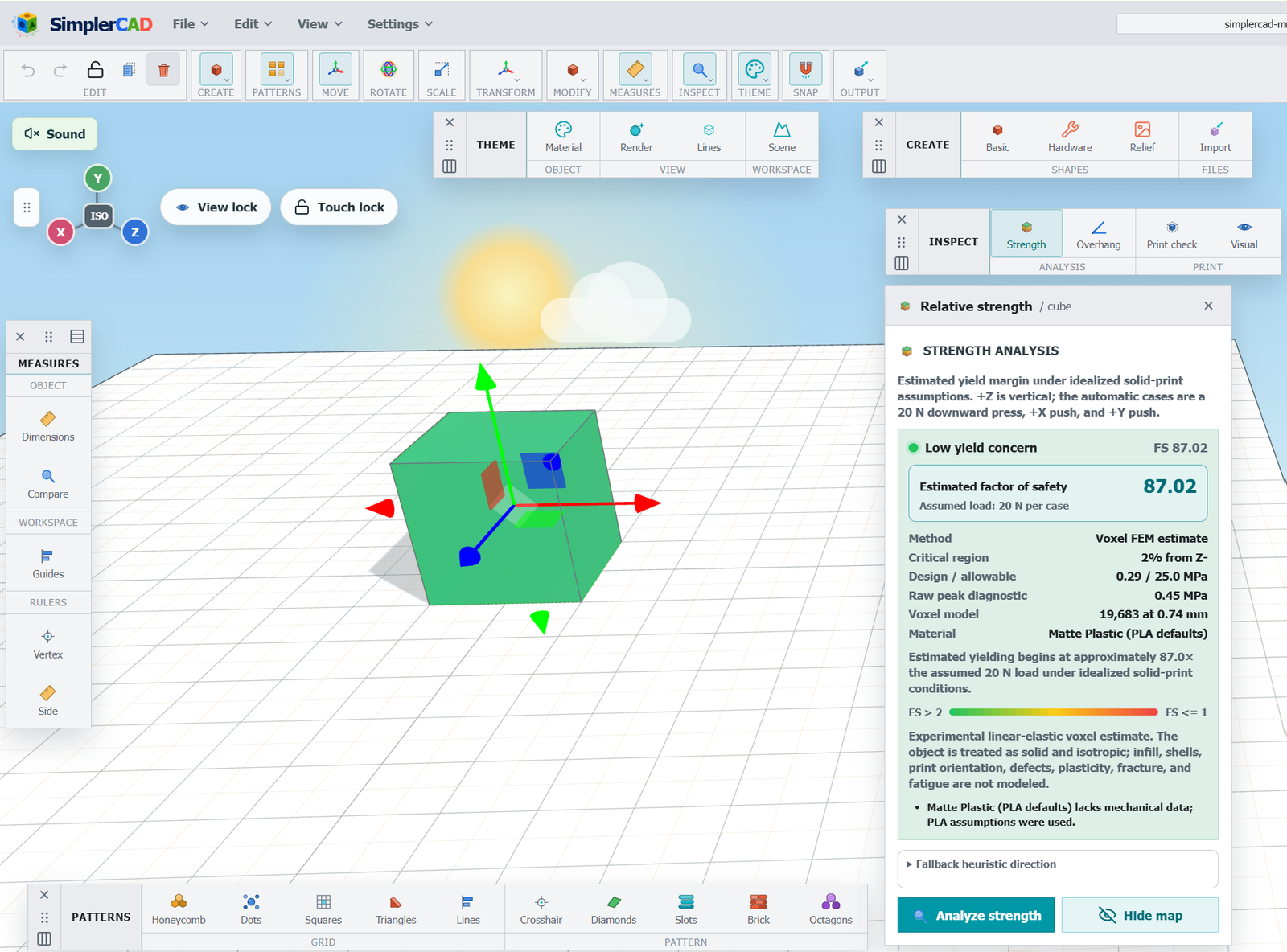
What Is a Strength Map in 3D Design?
Review relative strength, compare one geometry change, and understand the limits of the analysis.
Practical projects and guides for designing useful parts, checking fit, editing meshes, importing models, and keeping your work recoverable.
Model inspection
Review relative strength, compare one geometry change, and understand the limits of the analysis.
Importing models
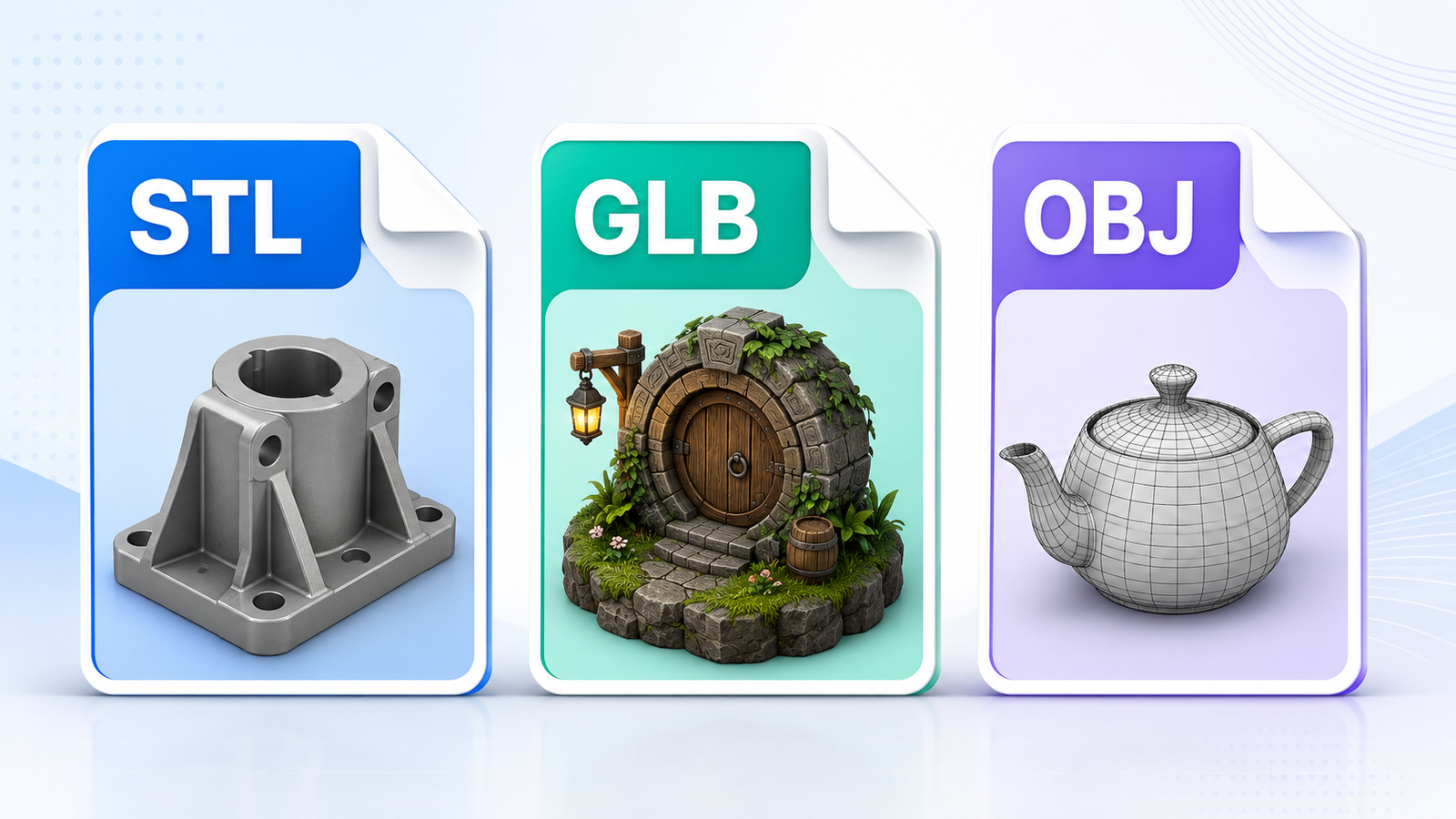
Choose STL, GLB, OBJ, or a supported OBJ + MTL ZIP, and check dimensions and materials after import.
Projects and saving
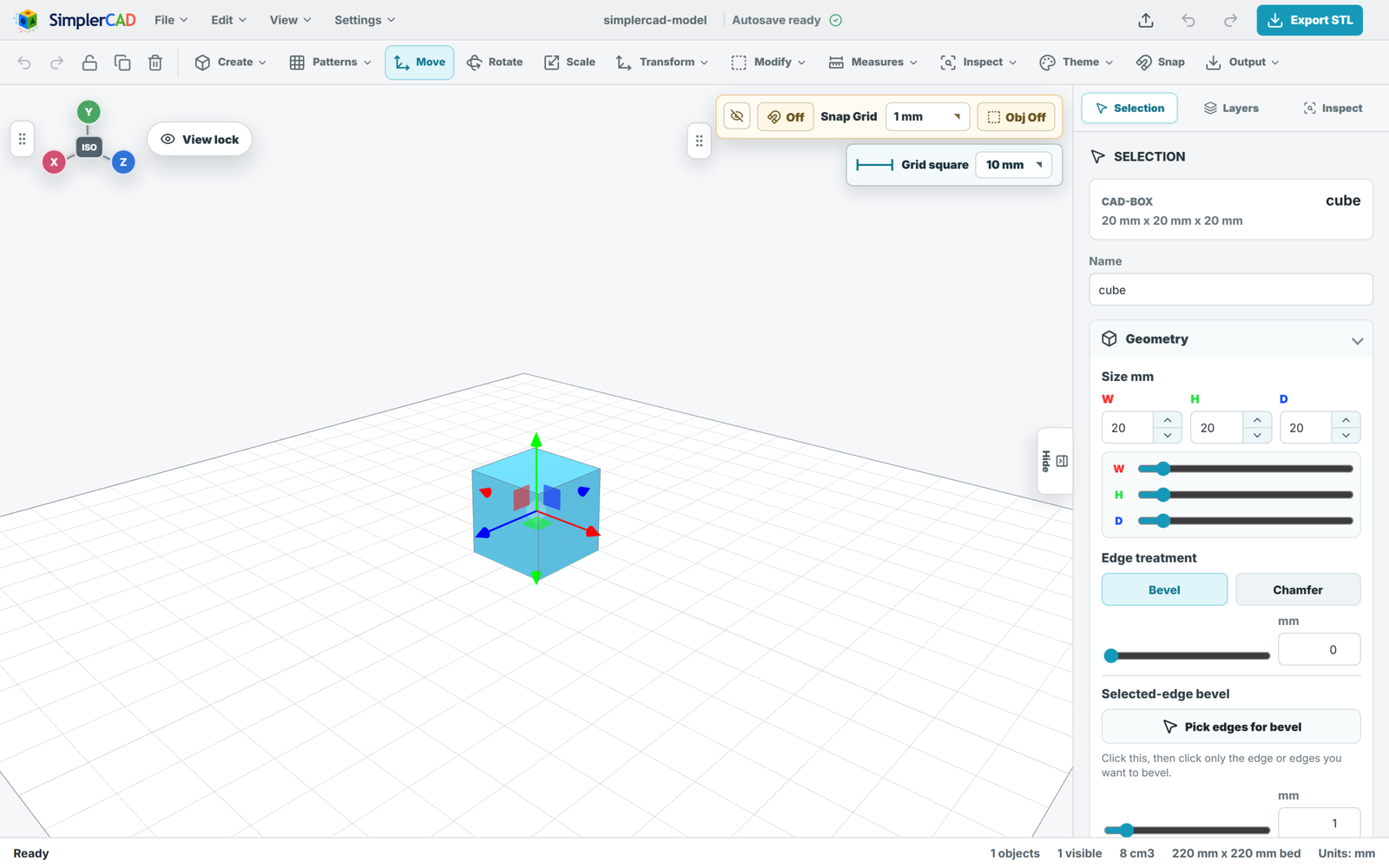
Follow the browser workflow and understand local recovery, cloud saving, and model exports.
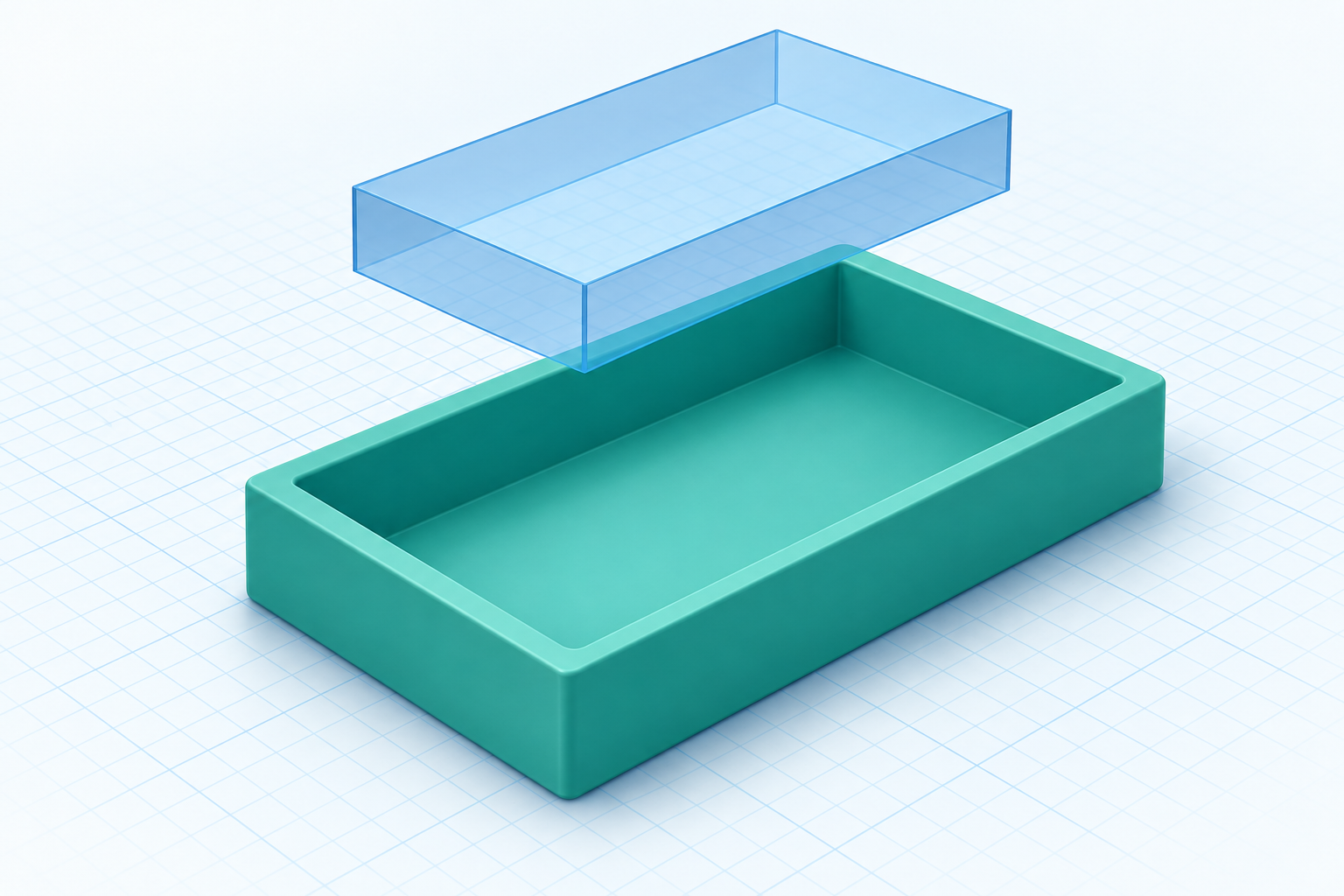
Tutorials
Build a useful desk tray from two boxes. Plan wall thickness, position a cavity cutter, inspect the result, and prepare your model for slicing.
October 9, 2026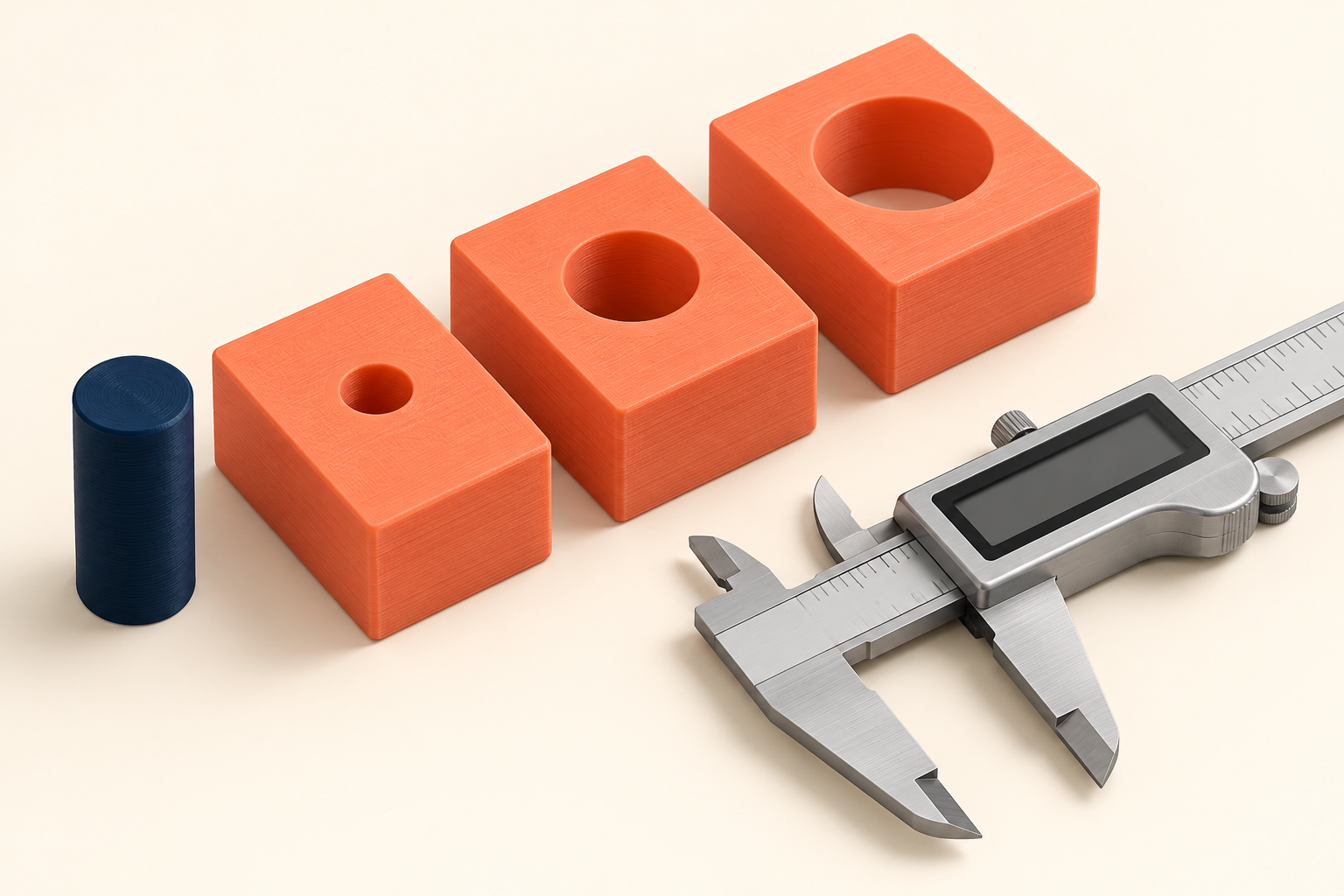
Design guides
Learn the difference between total and per-side clearance, then design a small test piece to choose a fit using your own printer and material.
October 9, 2026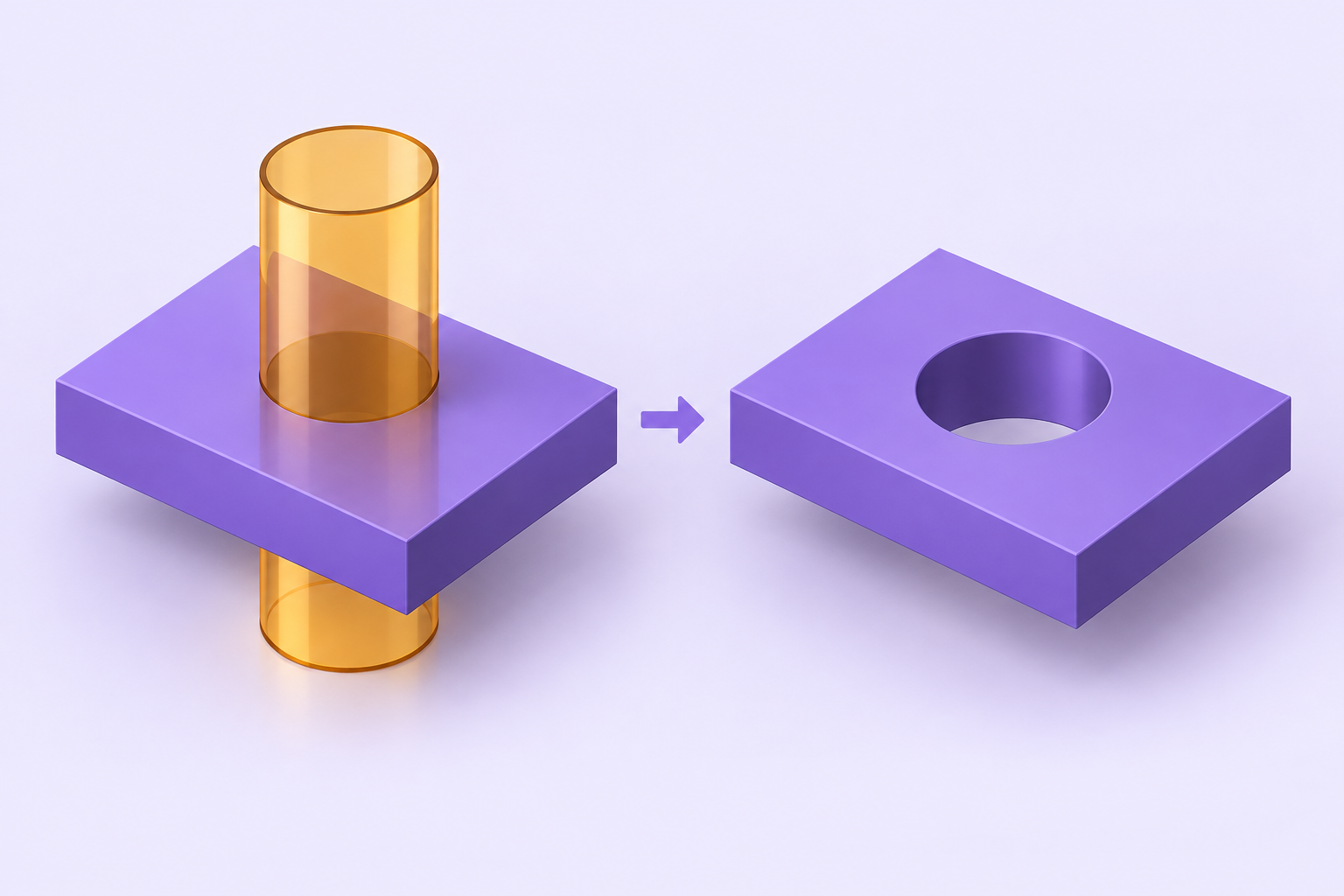
Troubleshooting
Diagnose missing holes, reversed cuts, hidden results, and difficult imported meshes with a step-by-step Boolean subtraction checklist.
October 9, 2026
Mesh editing
Use a measured reduction workflow in SimplerCAD: protect the original, identify critical features, compare a lighter mesh, and check the exported result.
October 9, 2026